The Application
Lifting Diary is a personal workout tracker for weightlifters. Users sign in, browse their workout history by date, log new sessions, add exercises from a catalog of 63 movements, and record sets with reps, weight, and an optional RPE score. The data model is fully relational — workouts contain exercises, exercises contain sets — with cascade deletes throughout.
Core User Flows
| Flow | Description |
|---|---|
| Sign up / Sign in | Handled via Clerk — email, social login, or magic link |
| Dashboard | Browse logged workouts by date using a calendar date picker |
| Log a workout | Create a session entry with an optional name and date |
| Add exercises | Search and select exercises from the pre-seeded catalog |
| Log sets | Record reps, weight, weight unit (kg/lbs), and optional RPE per set |
| Edit / delete | Remove exercises or sets from any logged workout |
Tech Stack
| Concern | Technology |
|---|---|
| Framework | Next.js 16 (App Router), React 19, TypeScript |
| Styling | Tailwind CSS v4 |
| UI components | shadcn/ui (exclusively — no custom components) |
| Authentication | Clerk |
| Database | Neon PostgreSQL (serverless) |
| ORM | Drizzle ORM |
| Validation | Zod |
| Date handling | date-fns |
| Deployment | Vercel |
Architecture
The application follows a server-first paradigm. Data fetching happens exclusively in Server Components; data mutations happen exclusively through Server Actions. Client Components are used only where browser interactivity is required — state, event handlers, or form submissions.
Browser
  └─ Client Component (UI state, event handlers, form submission)
       ├─ Server Action  (validate via Zod → auth check → DB write → revalidatePath)
       └─ Server Component (auth check → DB read via data helper → render as props)
            └─ Drizzle ORM
                 └─ Neon PostgreSQL (serverless)
Route protection is enforced at two levels: middleware blocks unauthenticated access before any page component runs, and each protected Server Component contains a secondary auth guard as a defence-in-depth measure.
Authentication is handled entirely by Clerk. On sign-in, Clerk assigns the user a unique ID. That ID becomes the userId column that every database query filters by — a data helper function never fetches records without scoping to the authenticated user. This is enforced at the query level as a project standard, not just at the route level: accessing another user's data is architecturally blocked, not just hidden behind a route guard.
Database Schema
Four tables, all owned by a authenticated user:
| Table | Purpose | Key relations |
|---|---|---|
workouts |
A workout session — date, name, start/end timestamps | Owned by userId (Clerk) |
exercises |
An exercise within a workout (e.g., "Bench Press") | FK → workouts (cascade delete) |
sets |
A single set — reps, weight, unit, RPE, completion status | FK → exercises (cascade delete) |
exerciseCatalog |
Reference data — 63 pre-seeded common exercises | Read-only reference |
Cascade deletes are configured throughout: deleting a workout removes its exercises; deleting an exercise removes its sets.
Route Map
| Route | Access | Description |
|---|---|---|
/ |
Public | Landing page — redirects to /dashboard if signed in |
/dashboard |
Protected | Main view — browse workouts by date |
/dashboard/workout/new |
Protected | Create a new workout |
/dashboard/workout/[workoutId] |
Protected | View and edit a specific workout |
Scope & Limitations
Lifting Diary does what a personal workout log needs to do — and deliberately nothing more:
- No analytics or progress tracking — the app records raw data (sets, reps, weight, RPE) but does not calculate trends, visualise progress, or generate summaries. Data is logged; interpretation is left to the user.
- No sharing or social features — workout data is private to the signed-in user. There is no following, sharing, or public profile.
- Web only — no native mobile app. The UI is responsive but the application runs in the browser.
The App in Action
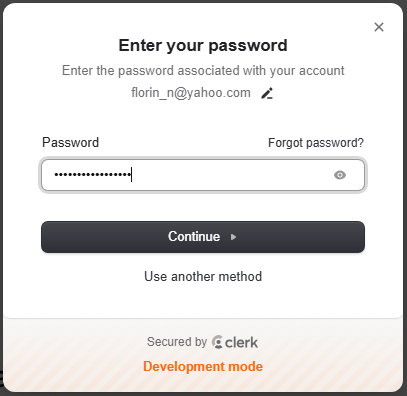
Sign in with Clerk:
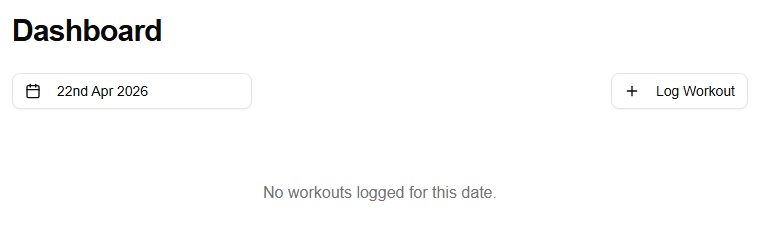
Dashboard — no workout logged yet for the selected date:
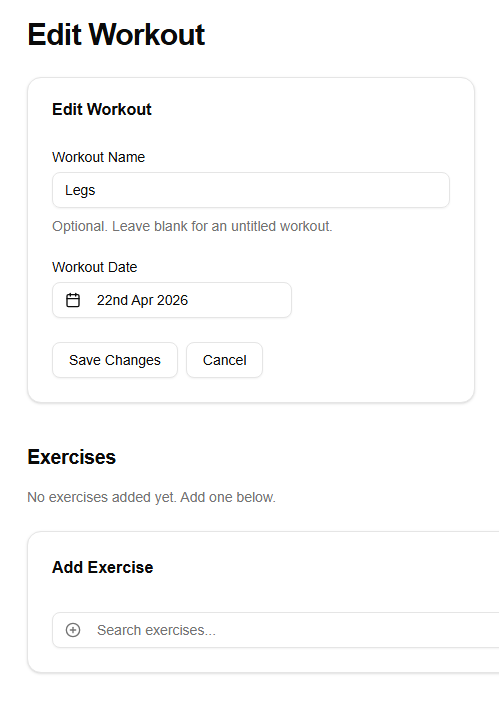
Selecting an exercise from the catalog:
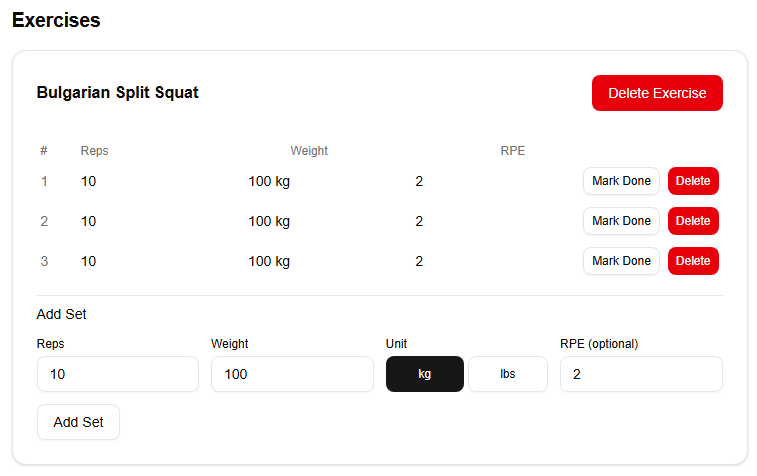
A completed workout with sets logged:
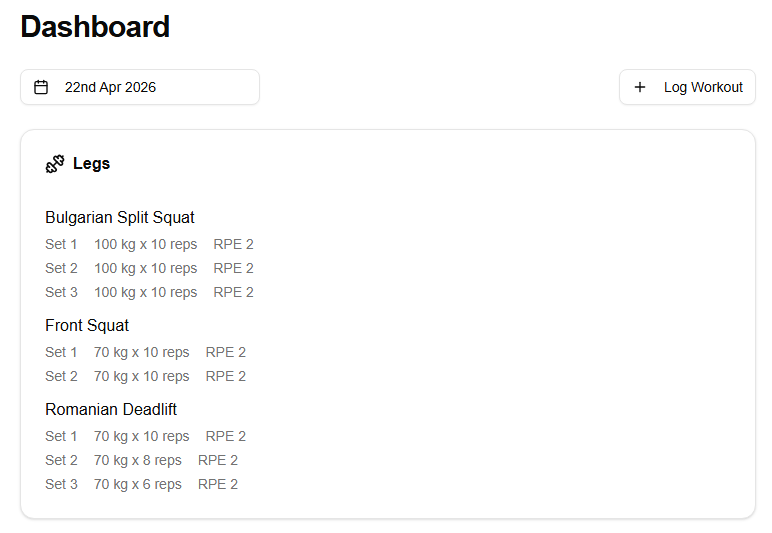
This is the core user experience: sign in, browse by date, log exercises and sets, and review your history. The next section explains how this app was built — the tools, workflows, and prompt disciplines that kept 22 Claude Code sessions consistent.